Why Hardware Companion Apps Get One-Star Reviews — and How a Small Paid Pilot Fixes Them
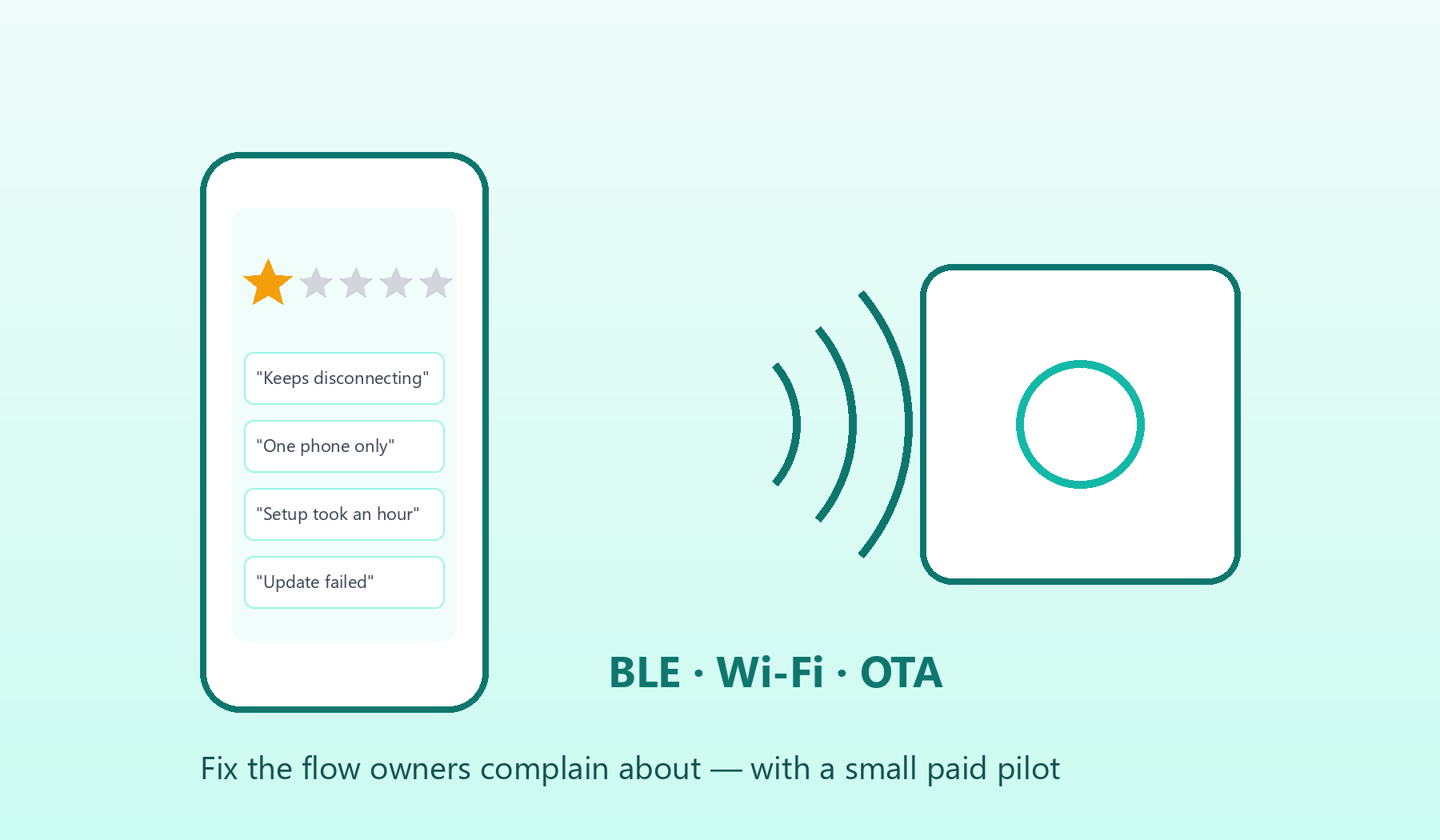
Table of Contents
The pattern: good hardware, bad app reviews
Read the App Store and Google Play reviews of almost any connected product — heaters, fans, kitchen appliances, RV controls, aquarium equipment — and a pattern appears. Owners like the device. They are angry at the app.
The complaints are remarkably consistent:
- “It keeps disconnecting.” The app loses the device after the phone sleeps or the user switches apps.
- “Only one phone can control it.” A second family member’s phone cannot connect while the first one is paired.
- “Setup took an hour.” Wi-Fi provisioning fails silently, especially on 5 GHz networks or with special characters in passwords.
- “The update bricked it.” An OTA firmware update stalls halfway with no way to retry.
- “It stopped working after the iOS / Android update.” Nobody has touched the app for a long time, and the operating system moved on.
Because the app is the only way most owners touch the product every day, these reviews end up rating the hardware.
Why it happens
The root causes are rarely mysterious:
- The app was a one-off project. It was built by an agency for the launch, then nobody owned it. The company’s engineers are hardware and firmware people.
- BLE and Wi-Fi edge cases were never tested on real phones. Bluetooth behaviour differs across phone makers and OS versions; background restrictions get stricter every year.
- Connection state is modelled too simply. “Connected / not connected” is not enough. Real devices need reconnection, timeouts, bonding rules and clear messages for each failure.
- Firmware and app evolved separately. Protocol changes in firmware were never reflected properly in the app, so features half-work.
- No feedback loop. Reviews are not read by anyone who can change the code.
A full rewrite is usually the wrong first step
The instinct is to commission a brand-new app. That is expensive, slow, and risky: a new app brings new bugs, and the team still does not know which problems matter most.
A better first step is a small, paid, fixed-scope pilot focused on the one flow owners complain about most.
What a companion-app pilot looks like
- Read the reviews properly. Group recent reviews by symptom and count them. Usually two or three issues dominate.
- Reproduce on real devices. Test the failing flow across several phone models and OS versions, with the actual hardware.
- Check what the firmware allows. Some fixes are purely in the app (reconnection logic, background handling, error messages). Others need a firmware change (for example, allowing multiple bonded phones). Knowing which is which early avoids wasted work.
- Deliver one of two outcomes: a working fix for that flow in the existing app, or a fixed-price plan to finish it — your choice whether to continue.
- Measure. Watch crash reports and new reviews after the fix ships.
If the pilot goes well, the next stage is a roadmap: maintenance releases for new OS versions, consolidating multiple legacy apps into one, or a planned rebuild — now based on evidence rather than guesswork.
What we bring
We deliver this as forward deployed engineering: one engineer owns the problem end to end, working with your firmware team rather than around it. Recently we delivered the app, cloud and admin side for three IoT products in different industries, covering BLE connection and binding, OTA flows and real-device debugging. See the case studies.
If your device has good hardware and bad app reviews, tell us which flow hurts most. A short call is enough to see whether a pilot makes sense.